ColorWander vs Coolors
 By Zhenghao Chen ·
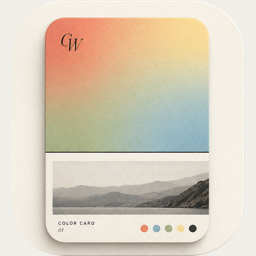
Both apps get colors out of photos, but they’re built for different results. Coolors is a palette generator for design work; ColorWander turns the photo itself into a finished card you can post or keep.
At a glance
| ColorWander | Coolors | |
|---|---|---|
| Made for | Turning photos into postable color cards | Designers building color schemes |
| From a photo | Six colors, plus the place and time it was taken | Pick colors from your photos |
| Main output | Cards in 28 layouts; Live Photo | Palettes; image or PDF export; photo collages |
| Extra | Literary captions matched to the hour | Thousands of ready-made palettes; projects and collections |
| Platforms | iPhone and iPad | iPhone app and website |
| Price model | Free, with optional Pro | Free, with in-app purchases |
Competitor details from its App Store listing, checked November 4, 2026. Features and prices change — check the current listing. App Store
Choose Coolors if…
- you need palettes for a design project — a brand, a website, a presentation;
- you want to generate and tweak schemes quickly and keep them organized;
- you work on the web as much as on your phone.
Choose ColorWander if…
- you want the photo and its colors to become something you can post — a ticket, a postcard, a calendar page;
- you like the place and time written for you, or a line of literature for the hour;
- you want Live Photo cards that move;
- you’d rather your photos never leave your phone.
Using both
They don’t really compete. Many people keep a palette tool for work and a photo app for everyday life. If you find a palette you love in a ColorWander card, the hex codes are right there in Glass palette and Heritage palette.
Questions, answered
Is ColorWander a Coolors alternative?
For palettes from photos, yes — but its focus is the finished card rather than a palette library. Designers who need schemes and exports for projects will still prefer Coolors.
Can ColorWander show hex codes?
Yes. Glass palette and Heritage palette print hex codes, and you can edit all six colors.