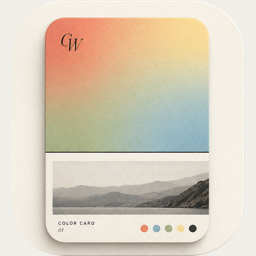
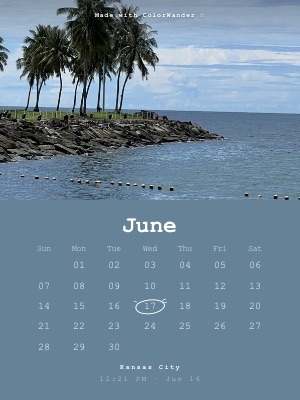
Calendar bottom — the photo above the month
Pro
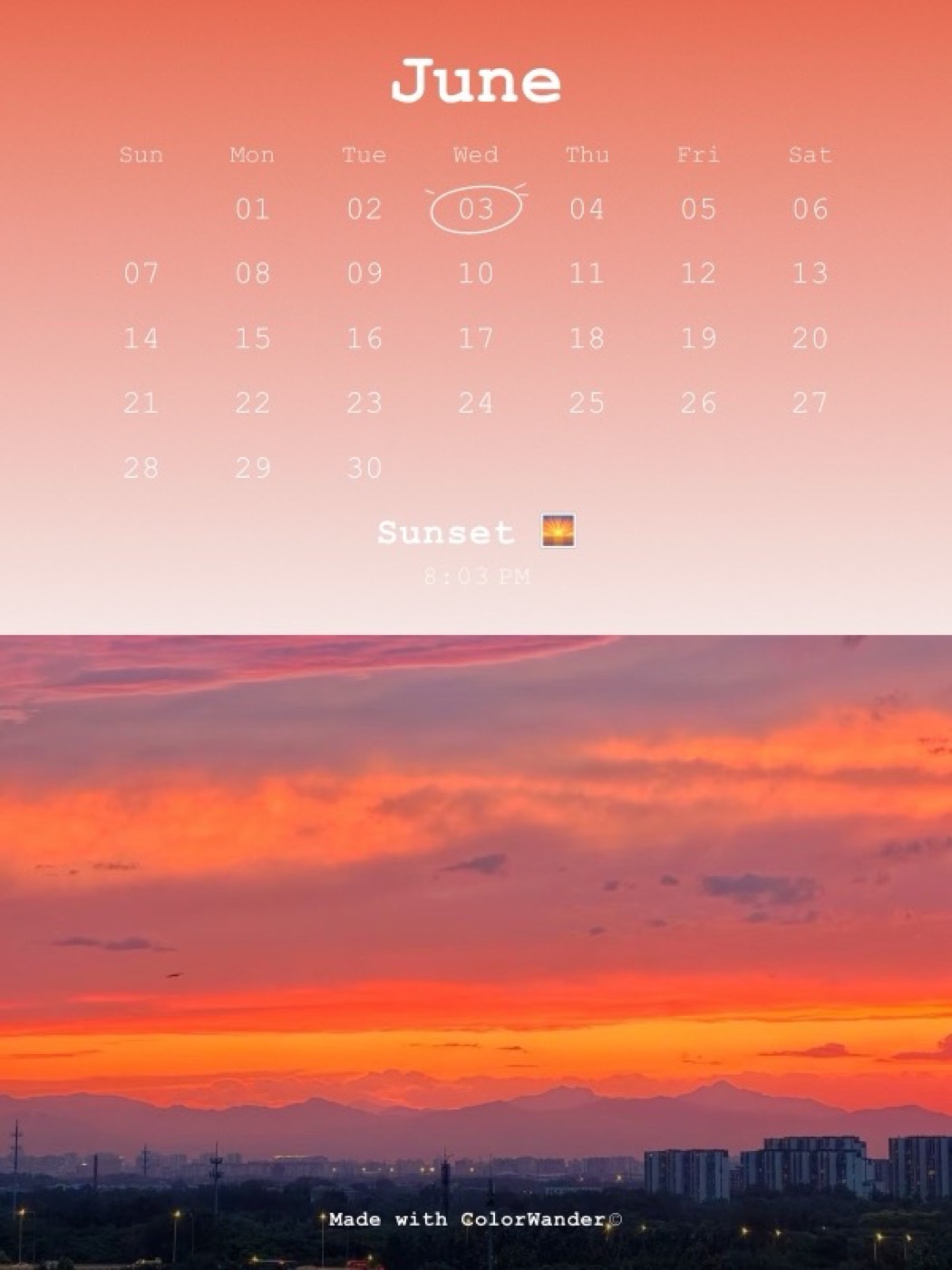
The same calendar card with the photo first, so the picture leads and the date reads like a footnote.
What it looks like
The photo fills the top of the card; a color band below holds the month, the weekday row, the dates and a sketched circle on the day.
What you can change
- Highlighted day: the capture date or any day you pick
- First day of week: system, Sunday or Monday
- Calendar language
- Split slider: how much of the card is color (20–50%, snaps at 20, 25, 33 and 50%)
- Background opacity: fade the color so the photo shows through it
Good for
- Photos whose subject sits high in the frame
- Monthly recap posts
- Printable photo calendars
Tips
- Use 3:4 or 9:16 — calendars are designed for portrait ratios
- Make Calendar top and bottom cards alternate in a grid
Make your first color cardFree on iPhone & iPad · iOS 16 or later

Related layouts
Free, limited-time-free and Pro status as of version 1.5.0. Every Pro layout can be previewed on your own photo before you decide.