Window — a round view of your photo
Pro
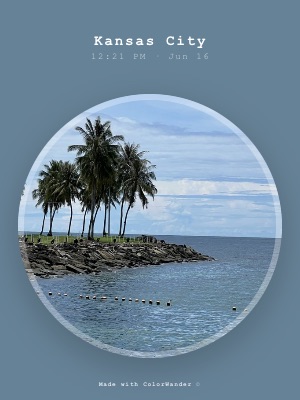
A porthole. Cropping the photo to a circle focuses on its center and makes even busy scenes calm.
What it looks like
The caption sits on top; below it, the photo is clipped to a circle with a white ring and a shadow, on the color of your photo.
What you can change
- Background opacity: fade the color so the photo shows through it
- “Made with ColorWander” mark (Pro can turn it off)
Good for
- Centered subjects: a face, a flower, a building
- Square and landscape posts
- Calm, minimal cards
Tips
- Pinch to zoom so your subject fills the circle
- Works on landscape ratios too
Make your first color cardFree on iPhone & iPad · iOS 16 or later

Related layouts
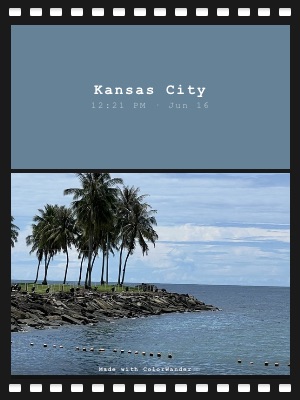
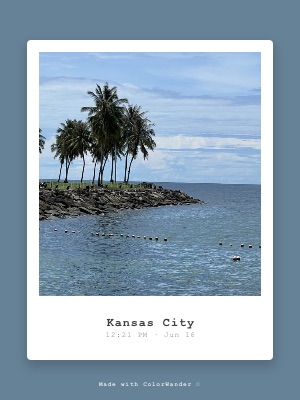
Free, limited-time-free and Pro status as of version 1.5.0. Every Pro layout can be previewed on your own photo before you decide.