Color story — the photo and its six colors
Free for a limited time
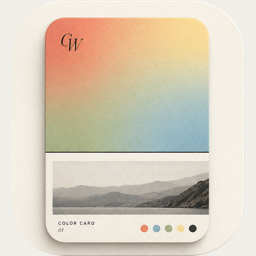
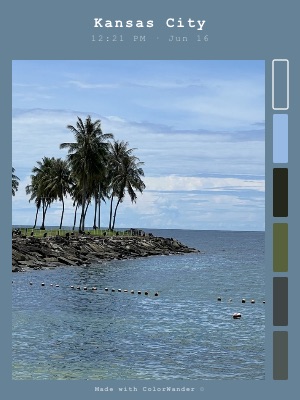
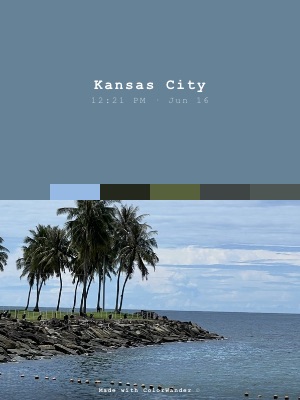
A palette card. It shows exactly which colors ColorWander found in your photo, side by side with the picture.
What it looks like
A caption band across the top. Below it, the photo on the left and a column of six colors from the photo on the right; the one used as background is outlined.
What you can change
- Edit any of the six colors
- Photo corner
- Background opacity: fade the color so the photo shows through it
- “Made with ColorWander” mark (Pro can turn it off)
Good for
- Colorful photos: markets, flowers, interiors
- Mood boards and design references
- Learning which colors are in a scene
Tips
- Long-press a color chip to revert it
- The palette you edit is shared with Glass palette, Palette bands, Travel tag and Heritage palette
Make your first color cardFree on iPhone & iPad · iOS 16 or later

Related layouts
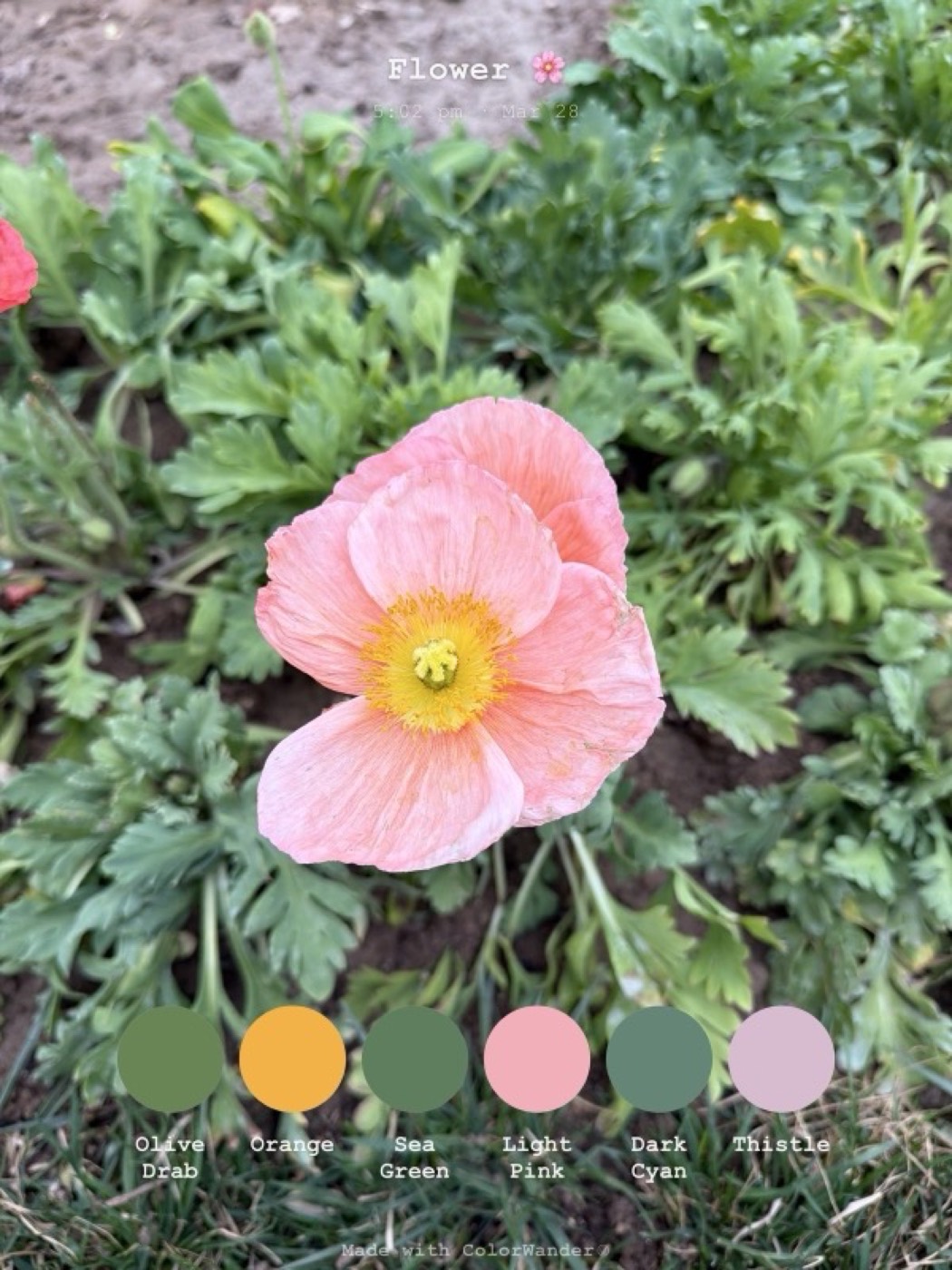
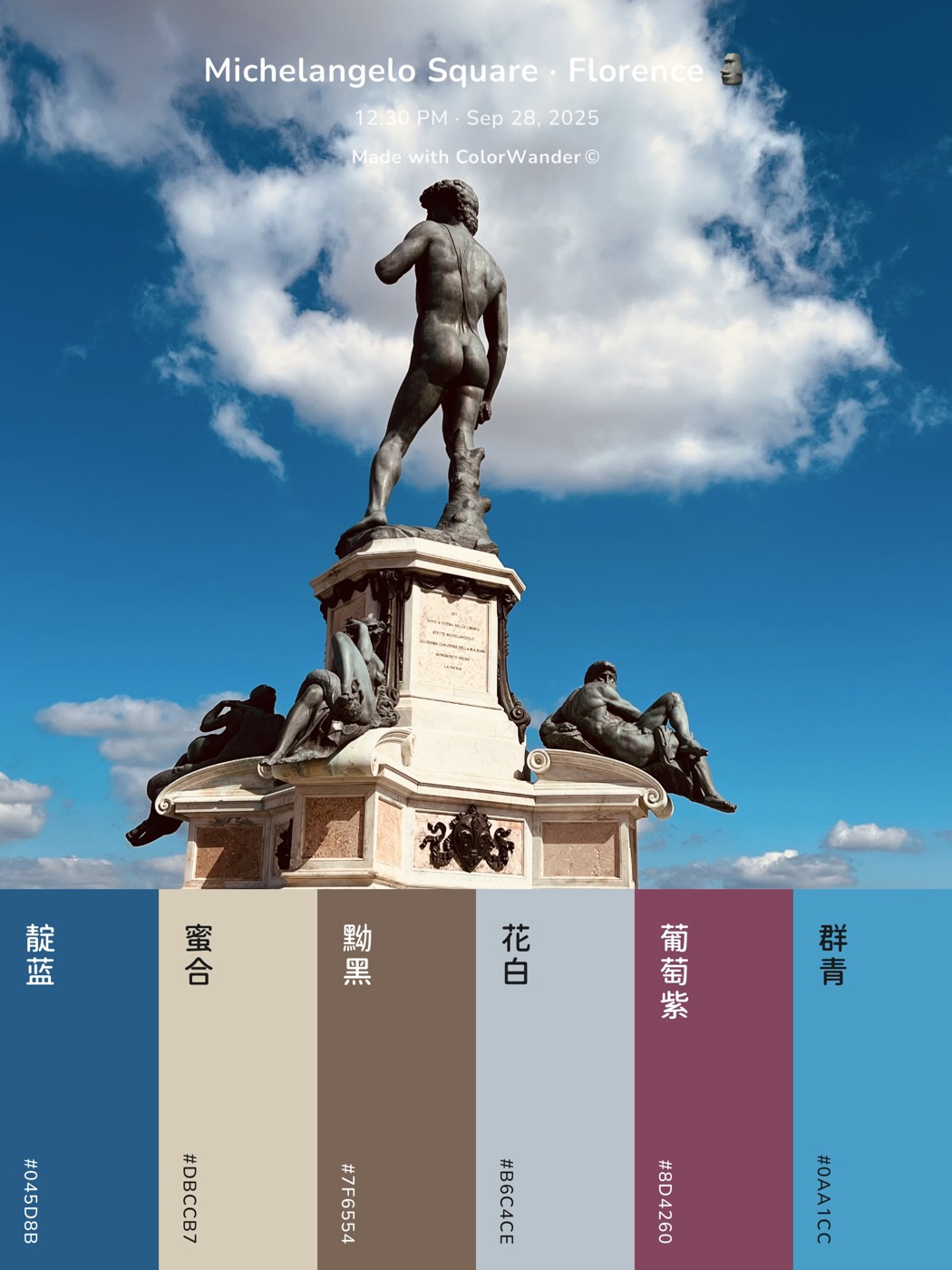
Free, limited-time-free and Pro status as of version 1.5.0. Every Pro layout can be previewed on your own photo before you decide.