Palette bands — every color in one stripe
Pro
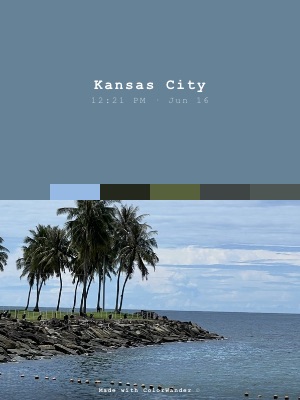
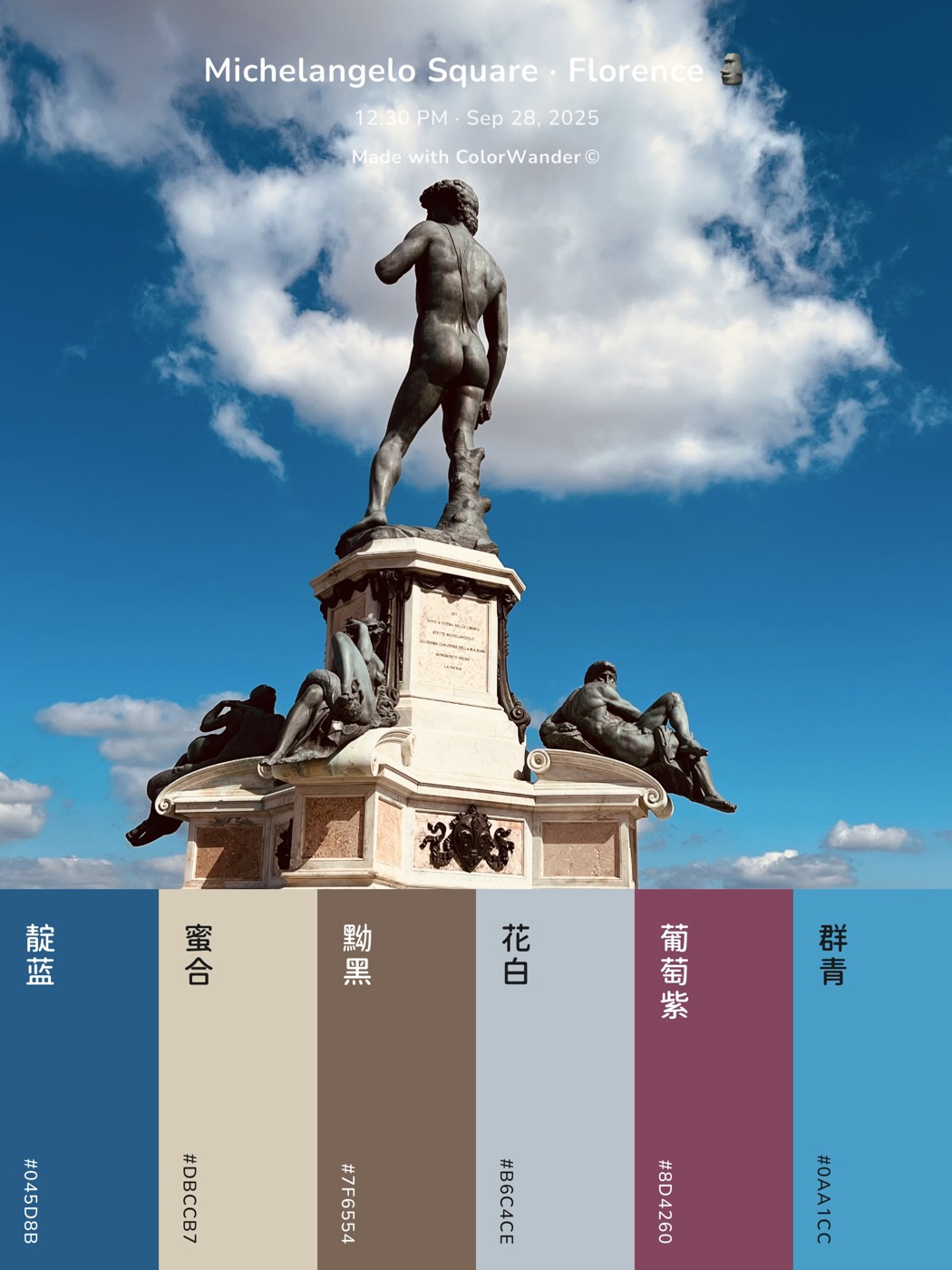
A quiet way to show the whole palette: one thin stripe of six colors between the caption and the picture.
What it looks like
A color band with the caption, a narrow stripe of six colors from the photo, then the photo. Tap the stripe to edit the colors.
What you can change
- Split slider: how much of the card is color (20–50%, snaps at 20, 25, 33 and 50%)
- Background opacity: fade the color so the photo shows through it
- “Made with ColorWander” mark (Pro can turn it off)
- Edit any of the six colors
Good for
- Showing the full palette without a big swatch panel
- Landscape and square posts
- Design inspiration
Tips
- Works on landscape ratios too
- Edit one stripe color to set the card’s accent
Make your first color cardFree on iPhone & iPad · iOS 16 or later

Related layouts
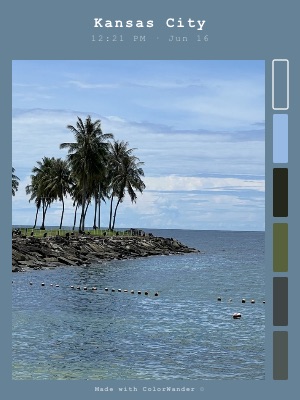
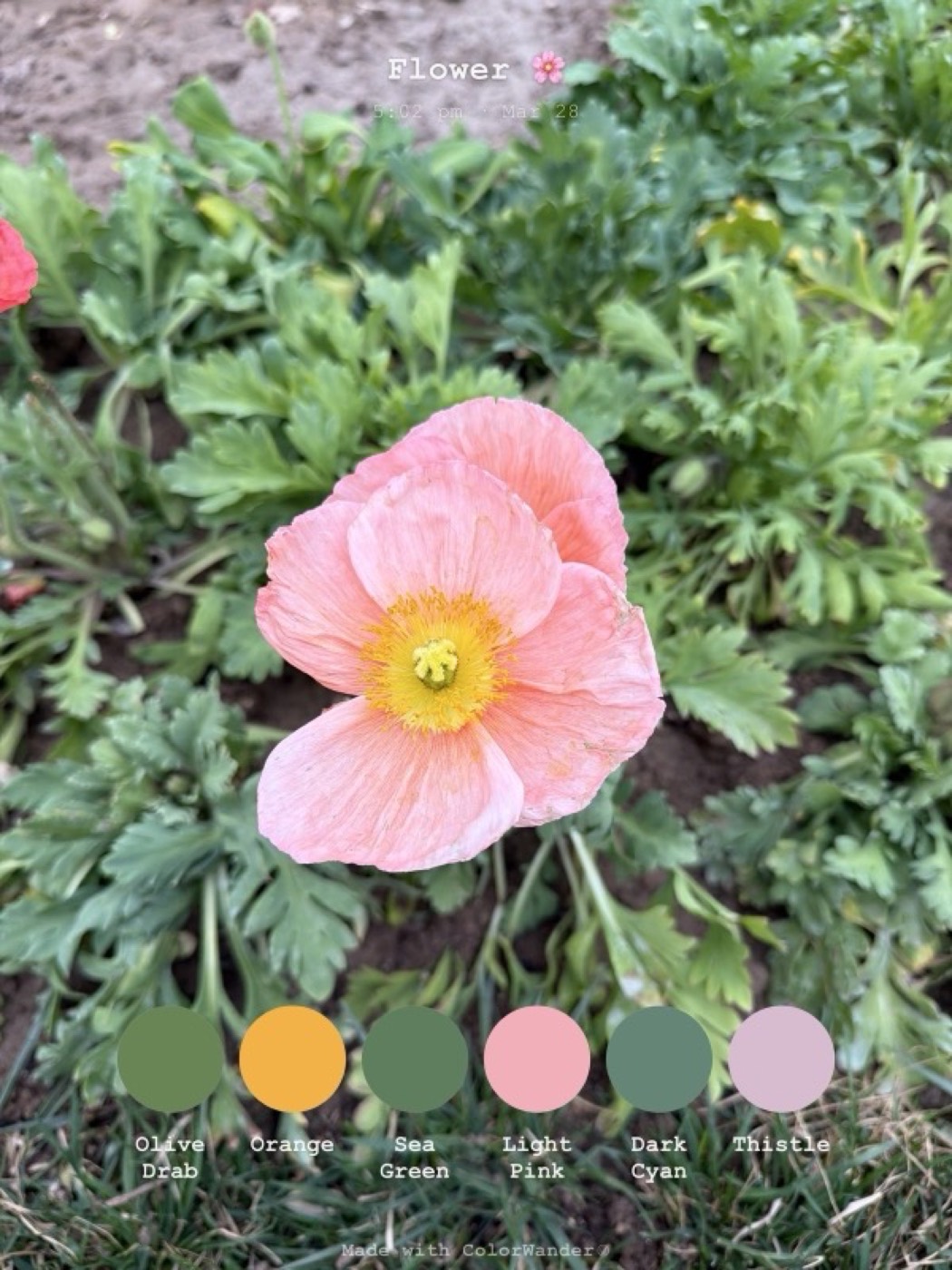
Free, limited-time-free and Pro status as of version 1.5.0. Every Pro layout can be previewed on your own photo before you decide.