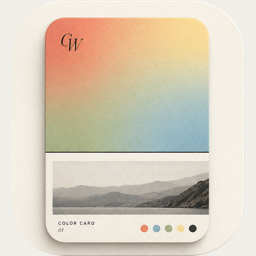
v1.5.0: postcards, and the iPad
 By Zhenghao Chen ·
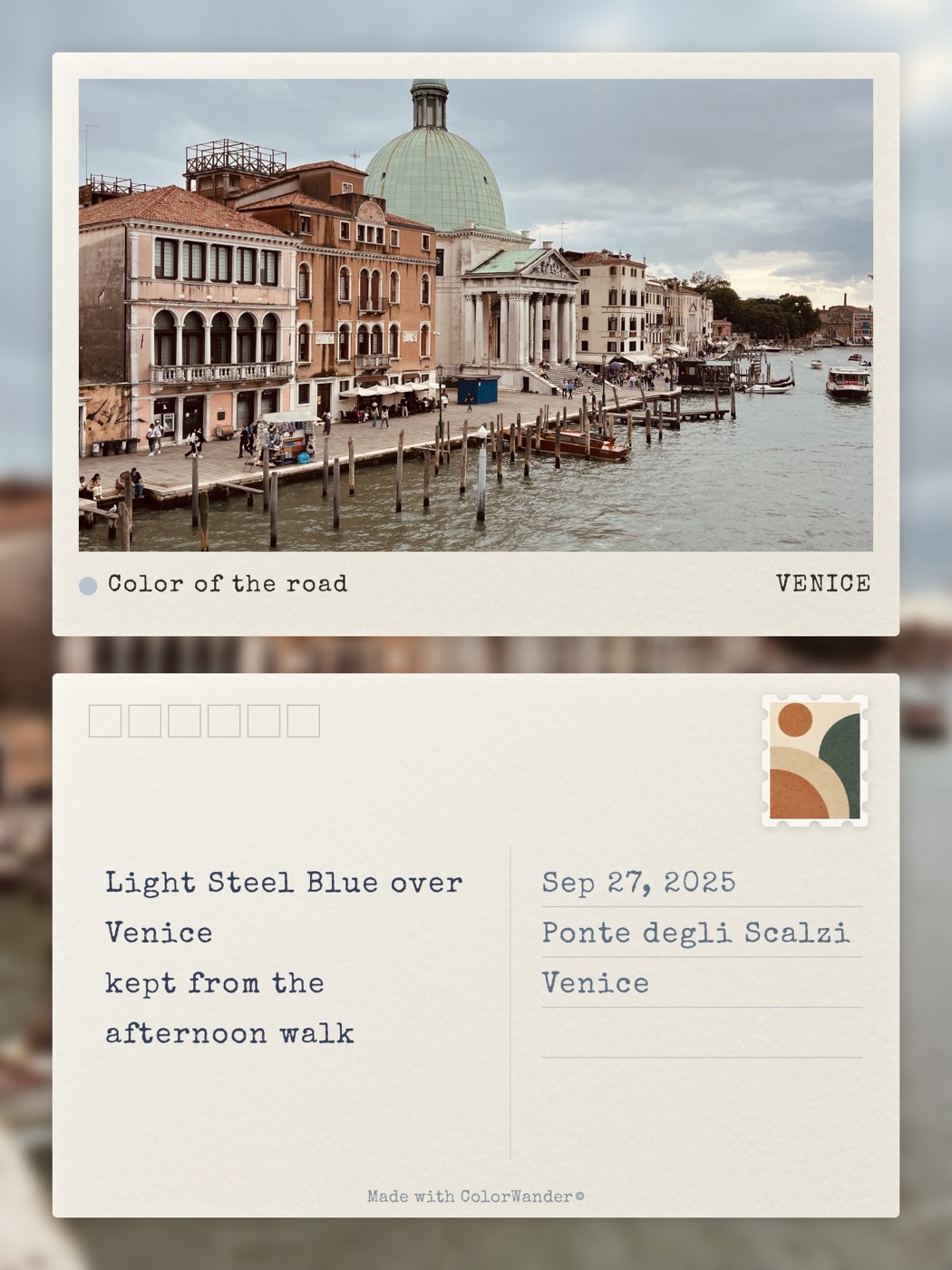
Version 1.5.0 was going to be a small follow-up, numbered 1.4.3. It kept growing: a native iPad app, then four layouts, postcard, travel tag, heritage palette and text wallpaper. By the time it was ready, it was a version of its own. The question it answers is a holiday one. How does a photo from a trip, or from a table with other people, become a small thing worth keeping.
Four layouts
Postcard comes as one face or as a spread. The spread places the photo beside a writing side, like a card you might actually post. The papers are scans of cream, kraft and watercolor stock. Stamps are illustrated, or abstract shapes taken from the colors of the photo, and one is chosen from the picture unless you pick another. Postmarks are a wave or a ring, or none. The two lines on the back come from templates that use the place, the main color and the time of day. You can change the line, pick another, or write your own.
Travel tag puts the photo on a luggage tag: a title, the destination, the date, a barcode, and a cord and a paper you can recolor.
Heritage palette is six equal cells, each with a traditional Chinese color name. The band defaults to the bottom, where it is in the limited-time free set. Top, left and right are Pro.
Text wallpaper sets a short phrase on the photo, one word to a line. Phrase, color and stroke can change. Place and time can sit with it.
iPad
Before this version, ColorWander on iPad was a large iPhone app. 1.5.0 is a native iPad layout. Landscape uses two columns: the card on one side, the controls on the other, with a narrow tab rail. Portrait keeps the panel at the bottom, as on iPhone. A photo can be dragged in, and a finished card dragged out. Split View and Stage Manager resize with the window. iPhone stays portrait only. The iPad app turns with the device.
Smaller changes
Calendar can start the week on the system setting, on Sunday or on Monday. Stamp perforations come in more than one cut, because the first teeth were too sharp. The layout picker is grouped, including recent layouts and the limited-time free set. Color controls are slimmer, and the bottom panel has a shorter height so the card stays visible. On seven layouts the split slider did nothing, so it is hidden. An on-device writer for the two lines on a postcard was built, then switched off. I had not seen it run on a phone that supports it, and those lines are printed on the card. This version uses templates only.
The week before release
The last week of testing used five devices. The oldest was an iPhone 8 Plus on iOS 16. The 28 layouts run on iPhone and iPad with iOS 16 or later.