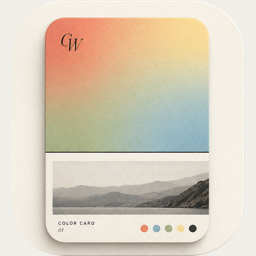
Colors and fonts: palettes, gradients, grain and 39 typefaces
How ColorWander picks six colors from your photo, how to change them, use gradients, blur and film grain, and choose from 39 fonts — all free.
Six colors from your photo
When you open a photo, ColorWander finds six colors in it on your device: the dominant colors, an accent and a tinted neutral, with near-duplicates removed. Even a black-and-white photo gets six.
In the Color tab, tap any chip to change it. Long-press a chip to revert it, or use Reset all. The edited palette is shared by Glass palette, Color story, Palette bands, Travel tag and Heritage palette.
Fill: solid, gradient or photo blur
- Solid — any palette color, or the color wheel with an eyedropper.
- Gradient — automatic pairs from your palette, 80 preset gradients, or your own start and end colors, with an angle from 0 to 360°.
- Photo blur — a blurred copy of the photo itself, Gaussian or motion blur.
Retro texture adds real scanned film grain. Background opacity lets the photo show through the color. Every color control is free.
Fonts
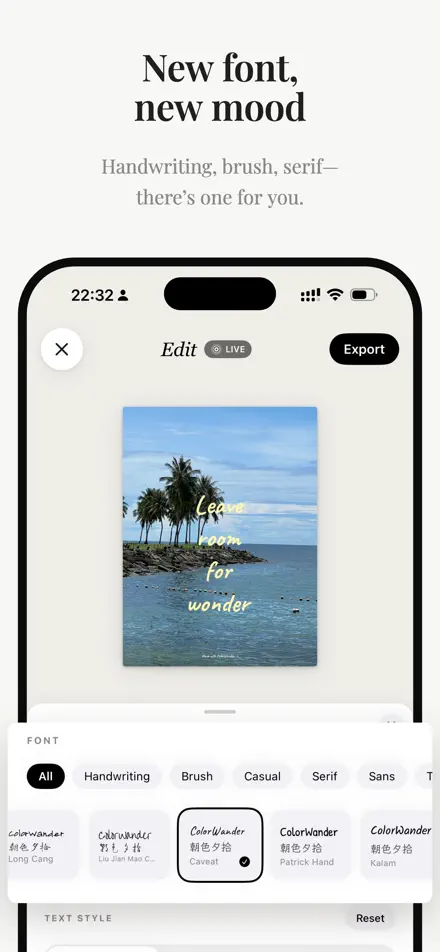
39 typefaces, all free, in six groups: handwriting, brush, casual, serif, sans and typewriter. They include LXGW WenKai, Source Han Serif, Smiley Sans and the rounded GoRound for Chinese, and faces like Didot, Cardo, Caveat and Special Elite for Latin text. Traditional Chinese uses dedicated TC faces.
Set the size (50–180%) and letter spacing in the Font tab. Text wallpaper and Heritage palette remember their own font.