Live Photo export: color cards that move
Export a ColorWander card as a real Live Photo that plays when you press it — sound, crop and frame kept. Free on every layout.
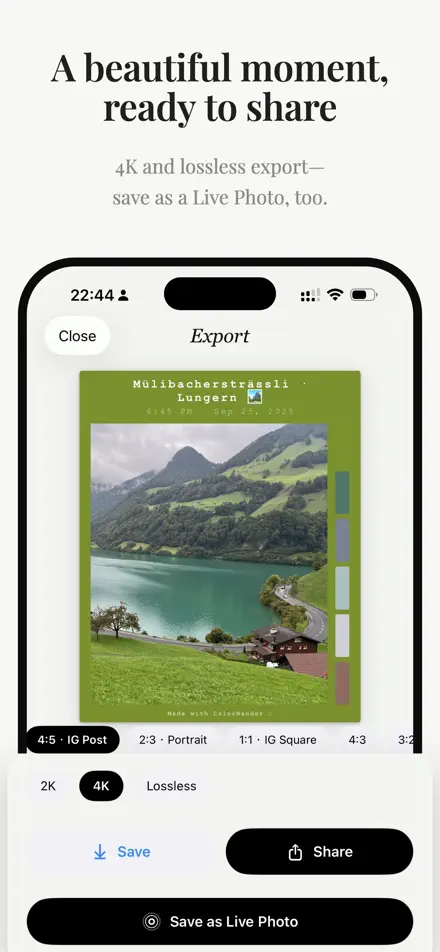
How to export a Live Photo card
- Choose a Live Photo from your library. The editor shows a LIVE badge.
- Design the card as usual.
- On the export screen, tap Save as Live Photo.
Press and hold the card in Photos to play it. Live Photo export is free and works on every layout; Pro layouts still need Pro.
What’s kept
- The original sound.
- Your crop, zoom and position.
- The card around the photo, including the Polaroid tilt, the Window circle and the glass panel.
The still image uses your chosen quality; the video is H.264 at up to 2048 px.
If it doesn’t work
- “Couldn’t read the source Live Photo video” — the motion part isn’t on your phone yet. Open the photo in Photos so iCloud downloads it, then try again.
- “This is a Live Photo” / access needed — with limited photo access, tap Allow access and add this photo.
- Transparent cards — a Live Photo needs a solid background; choose “Live Photo · solid background” or keep a transparent still.
Still stuck? After a failed export, tap Email the developer or Copy diagnostic. See Troubleshooting.
Make your first color cardFree on iPhone & iPad · iOS 16 or later