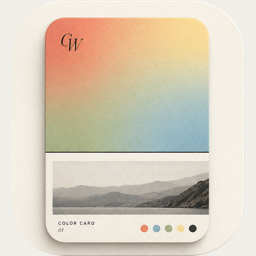
Gallery: find and re-edit your cards
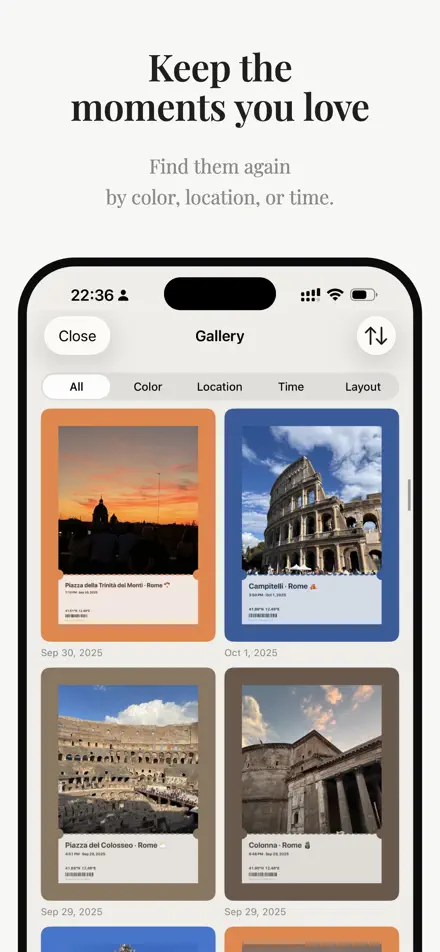
Every card you save is kept in the Gallery on your device — sort by date, filter by color, place, time or layout, and edit it again.
What gets saved
When you save, share or export a Live Photo, the card goes into the Gallery — one entry per editing session, updated if you save again. The stored image is the exact export, so 4K and lossless cards stay full quality.
The Gallery lives only on your device; it isn’t synced or uploaded.
Sort and filter
- Sort by: recently saved, date taken newest, or date taken oldest.
- Classify by: color (red, orange, yellow, green, cyan, blue, purple, neutral), location, time (today, this week, this month, this year, older) or layout.
Open, edit, share
Tap a card for a full-screen preview that tilts gently as you move your phone. Swipe up to edit, down to close. Long-press for Save, Edit, Share and Delete.
Edit reopens the card with every setting as you left it. It needs the original photo, still in your library or kept by the app.
Make your first color cardFree on iPhone & iPad · iOS 16 or later